
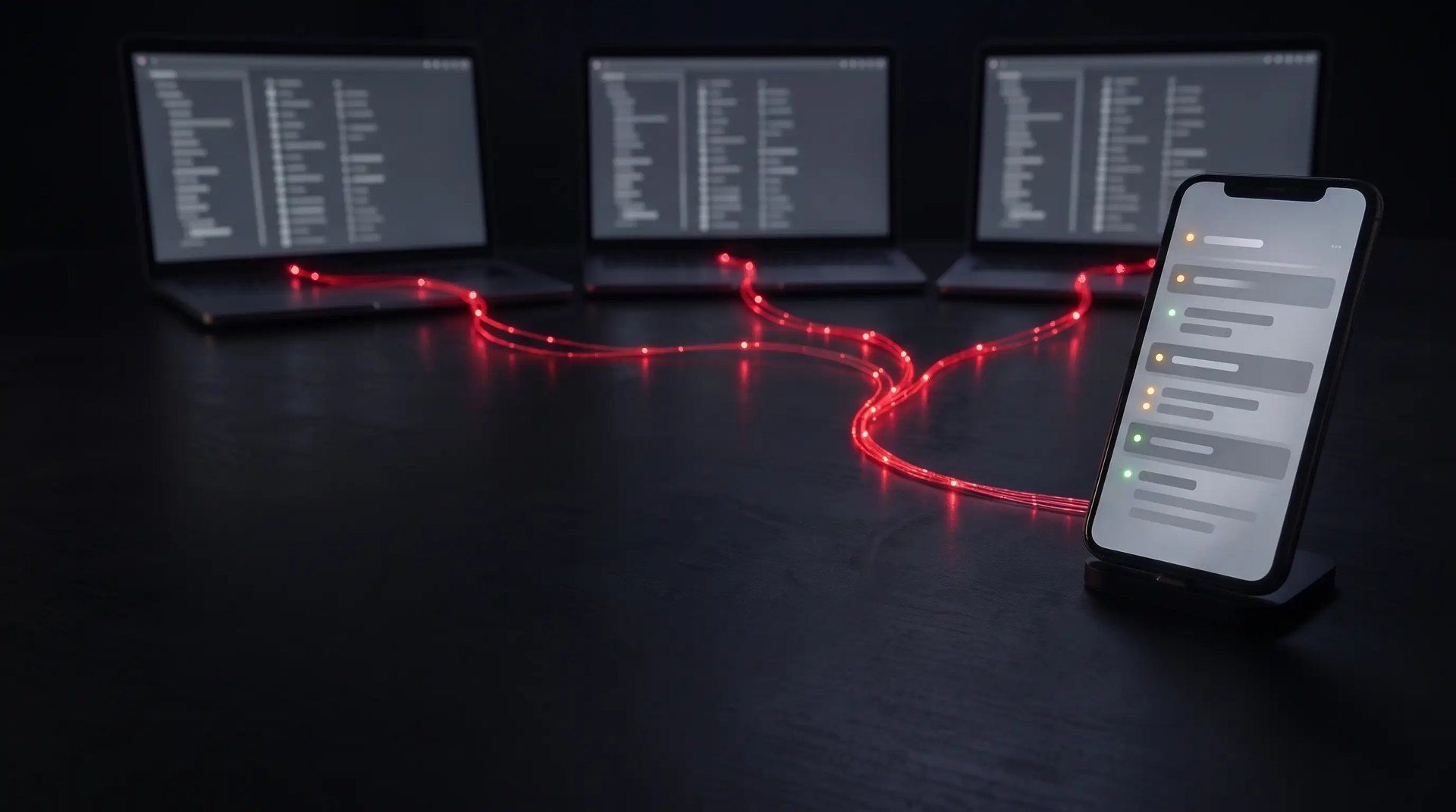
To run several AI agents in parallel, each agent needs its own workspace so they do not overwrite each other's files. An ADE (Agent Development Environment) takes care of that: every task gets its own agent and its own worktree and you see what is going on in one place. For the past week I have worked this way in Orca and I now run far more workflows at the same time.
Why aren't more terminals enough?
Once the agent builds the right thing, the next problem appears: it can work on a feature for a long time while you watch a terminal. Opening more terminals works for about a day. Then you no longer know which one is waiting for you.
We have fallen into the trap ourselves too. Two of our parallel sessions built the same fix in the same file without knowing about each other. One of them had to rework its entire branch.
What is an ADE?
An IDE is built for people who write code. An ADE is built for people who lead the agents that write it. Your job moves from writing code to giving assignments, answering questions and reviewing the result.
Orca is free, open source and available for macOS, Windows and Linux. It has no models of its own. It starts the same Claude Code or Codex you already use, with your own subscription, so your specs, skills and hooks come along.
A worktree is a separate copy of the repo on its own branch, created with Git. That is why the agents do not collide in each other's files while they work.
How do you control agents from your phone?
The biggest difference day to day is the mobile app. The agents keep running on the work computers and the phone or tablet shows and controls them. You follow every task, get a notification when an agent is done and answer with text or dictation.
When I am on another network I connect my devices with VPN to the network where the computers are. That way the traffic does not go through anyone else's server and Orca's port never has to be opened to the internet.
From the phone I answer questions and start new work. I save the review for the computer, where I can see the whole change.
Why connect several LLM services?
Since Orca just starts the agent in a terminal, you choose the LLM service per worktree. One agent can build while another from a different provider reviews. It does not have the same blind spots, so it finds other things than the first one does.
I can also see how much quota is left and switch between my accounts with one click. You can switch accounts in Claude Code too, but without the same overview. Just stay within the providers' terms: accounts are personal and must not be shared.
What should you watch out for?
When we reviewed our own guide, the security review found several things that are easy to miss. These are the most important.
- Yolo is on by default: Orca starts agents so that they run commands without asking. That is convenient but risky, so turn it off the first time you start it.
- A worktree is not a sandbox: it prevents collisions but not an agent that makes a mistake. The agent reaches everything you reach, so keep production logins off the computer it runs on.
- The phone is in practice a shell on the computer: keep it locked and never send the pairing code by chat or email. If you lose it, block it in Orca on the computer.
- A shared database causes baffling errors: give every worktree its own database and ports. We do that with a file called orca.yaml.
Tests, review and approval before production have to stay in place, even for the work you started from the train.
Common questions about parallel AI agents
How many agents can I run at once?
As many as you have time to review. Start with three and increase when it works. It is rarely the agents that exhaust the computer. It is the tests and the builds.
Does Orca cost anything?
The program is free. You pay for your subscriptions with providers such as Anthropic and OpenAI.
Does the computer have to stay on?
Yes. The agents run on the computer and not on the phone. If it goes to sleep the work stops, so set Keep computer awake in Orca. Closing the lid of a laptop can still put it to sleep, so for longer runs a desktop computer is safer.
Is VPN enough to make it secure?
VPN protects the path, because the traffic does not go through anyone else's server. It does not protect a phone you lose, so you still need a screen lock and a way to block it.
Read the whole guide
In Run AI agents in parallel we go through the installation on your computer and phone, your first session with three agents, several subscriptions and the security. It picks up where Build it right with AI agents ends. Not working spec-driven yet? Then start with Stop prompting.
Want to get started together as a team? We help you in your own repo.